
Run your league’s auction like the big leagues.
One system runs the whole night: the LED screen in the hall, the operator’s console, a live screen on every owner’s phone and a public view for the audience. Purse and squad rules are enforced on every bid.
Auction night, without the spreadsheet.
KreonBid is live player-auction software for sports leagues. It was built for turf-cricket leagues and runs any league that picks its teams by auction.
Most league auctions run on a spreadsheet, a projector and someone shouting purse balances. The numbers go wrong, owners argue over what they can still afford, and the audience sees none of it.
KreonBid replaces all of that. The operator draws a player and takes the bids. Every screen follows within a second, every team’s limit is worked out for them, and the results are ready the moment the last player is sold.
One auction. A screen for everyone in the room.
LED screen
The big display for the hall, with reveals, bids, SOLD stamps and sound.
Owner screen
Every owner’s phone shows their purse, their limit and their wishlist, live.
Operator console
One person runs the whole auction, mostly from the keyboard.
Auction rules
Purse protection, squad sizes, set quotas and bid steps, enforced on every screen.
Results and posters
Squad sheets, full results, audit log, Excel and a shareable poster per team.
Every feature
The full guide: accounts, setup, photos, security and shortcuts.
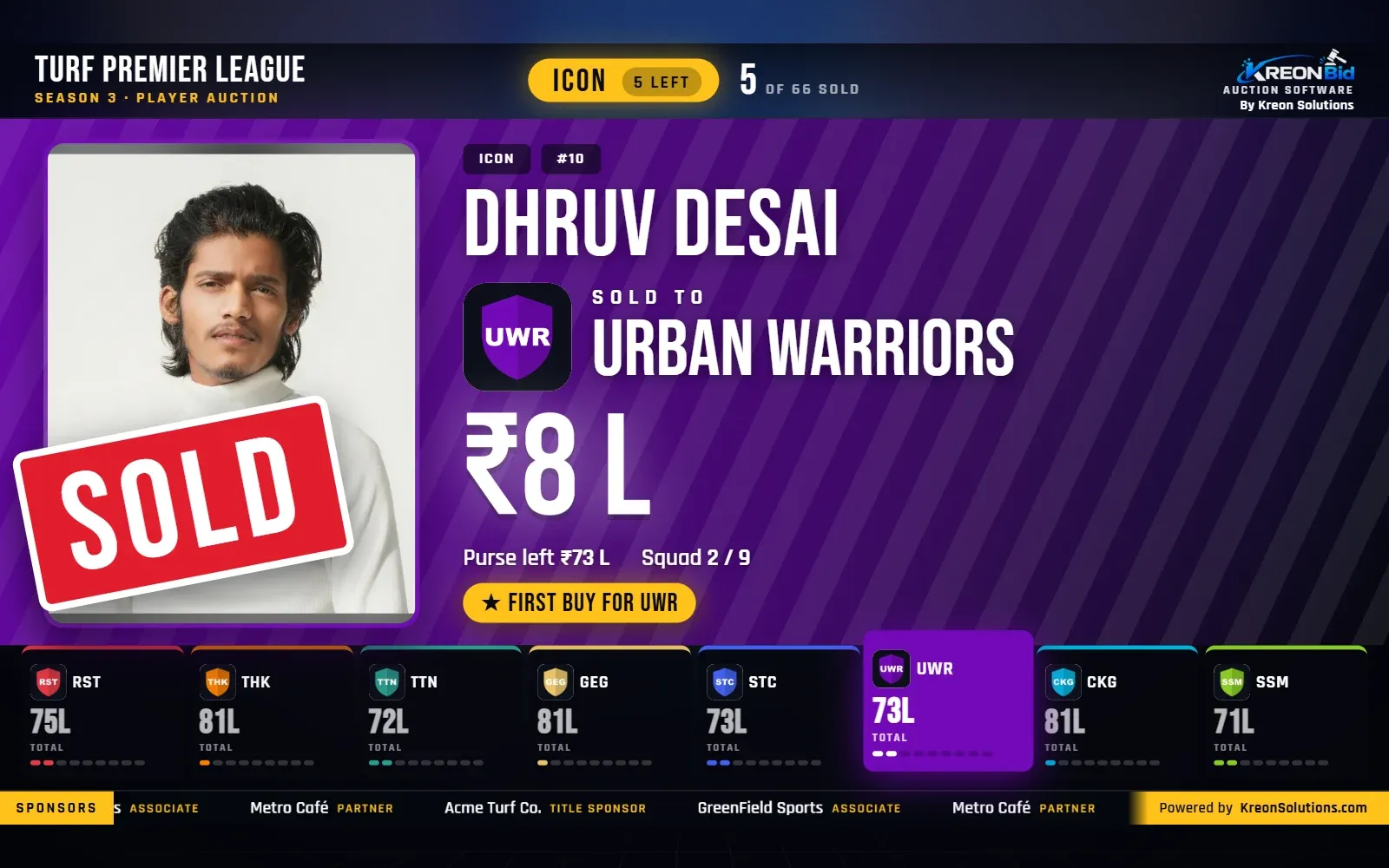
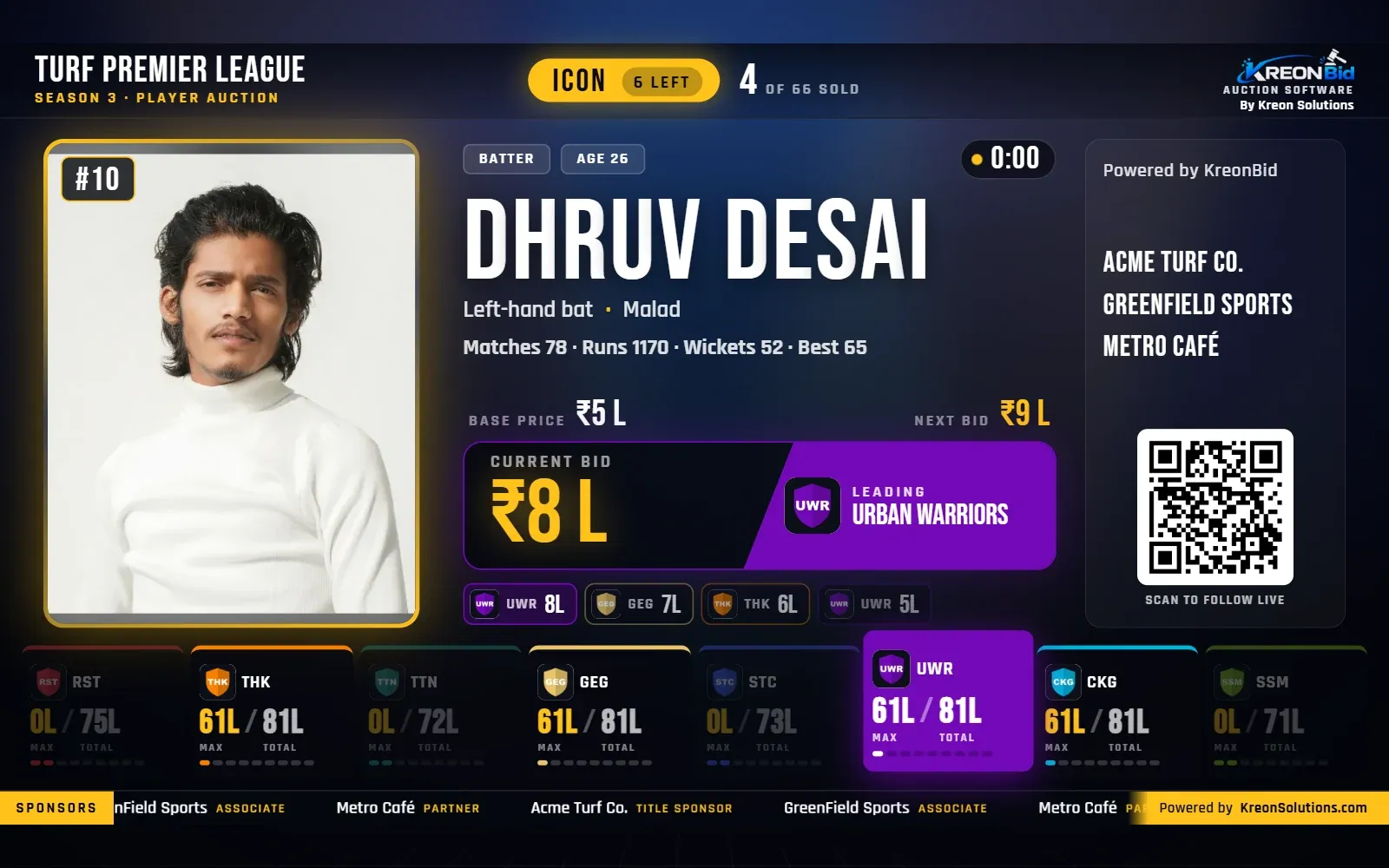
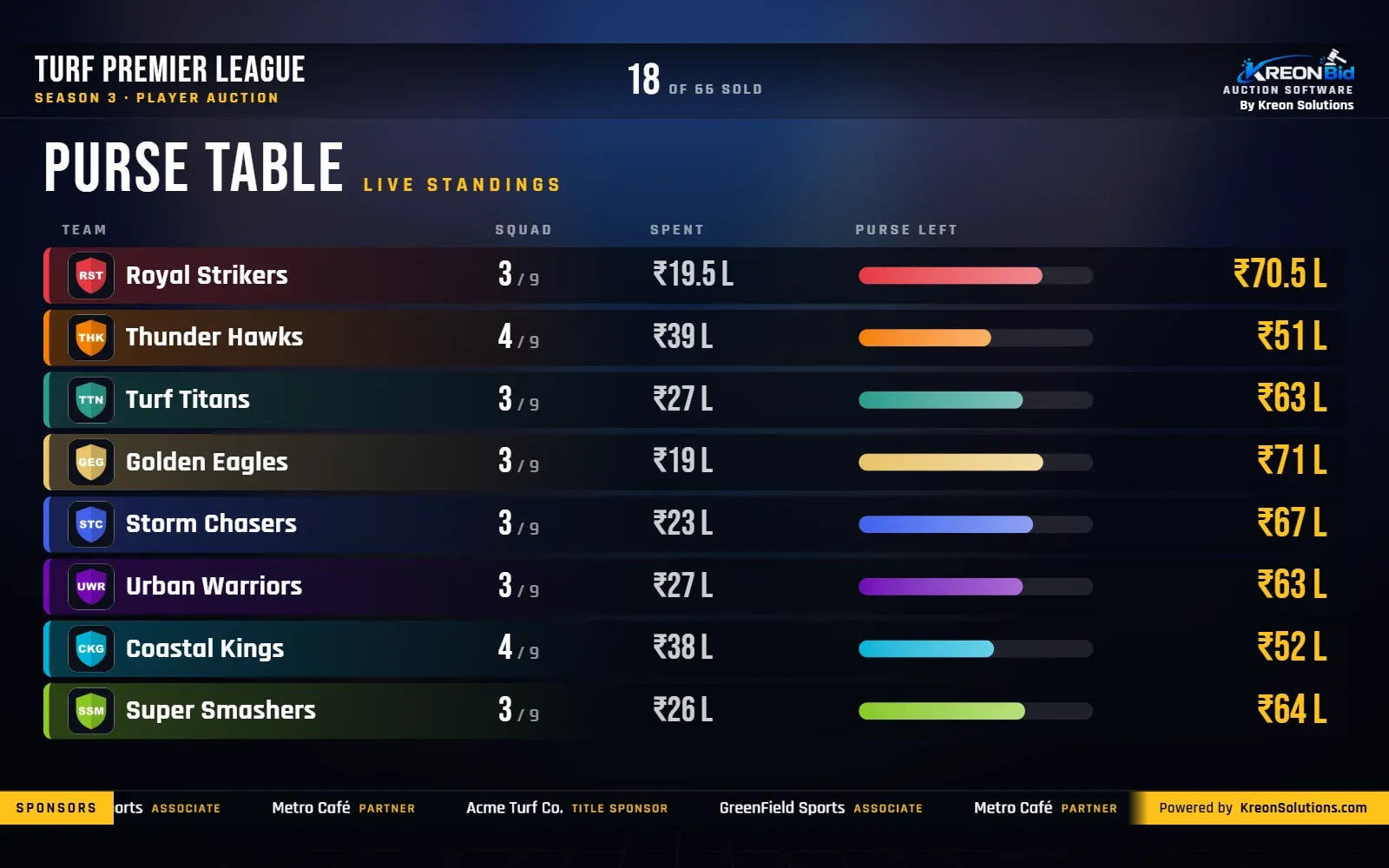
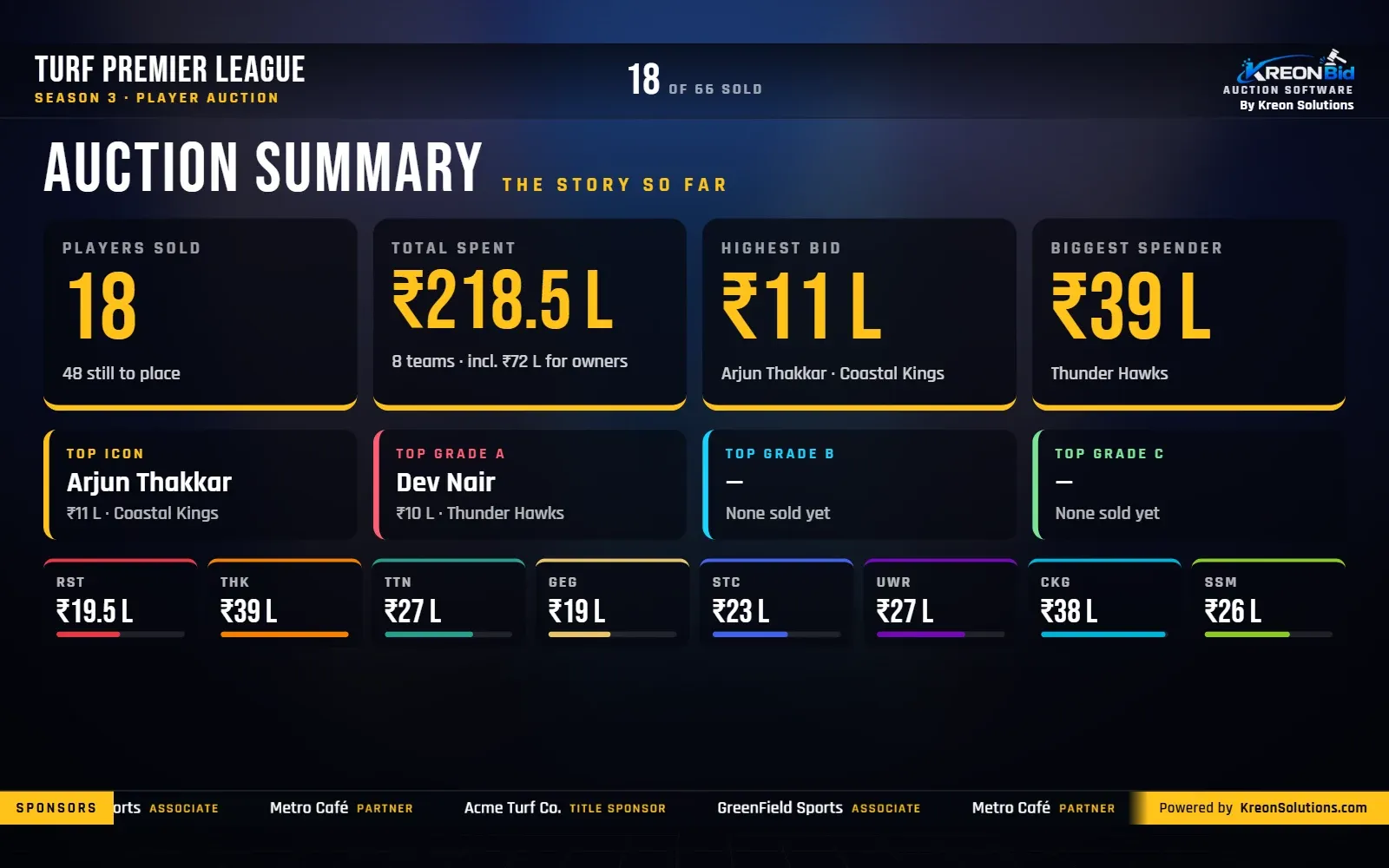
The actual software, not a mock-up.
Screens from a demo auction run on KreonBid. Select any screen to see it full size.
Five steps, from rules to results.
Set the rules
Purse, squad size, sets (grades) with base prices and quotas, bid increments, branding and sponsors. A readiness check flags numbers that cannot work.
Add teams and owners
Teams with colours and logos, the owner who plays for each team, and a login for every owner. Print all the login QR codes on one sheet.
Import the players
Upload the registration sheet (Excel or CSV, such as a Google Form’s responses), then bulk-upload photos named by serial number or player name.
Run the auction
Draw a player, take bids, sell. Every screen in the hall and every phone follows within a second.
Share the results
Squad sheets, full results and the audit log as PDF, everything as Excel, and a poster per team for WhatsApp and Instagram.
Every owner knows their limit, before they raise a hand.
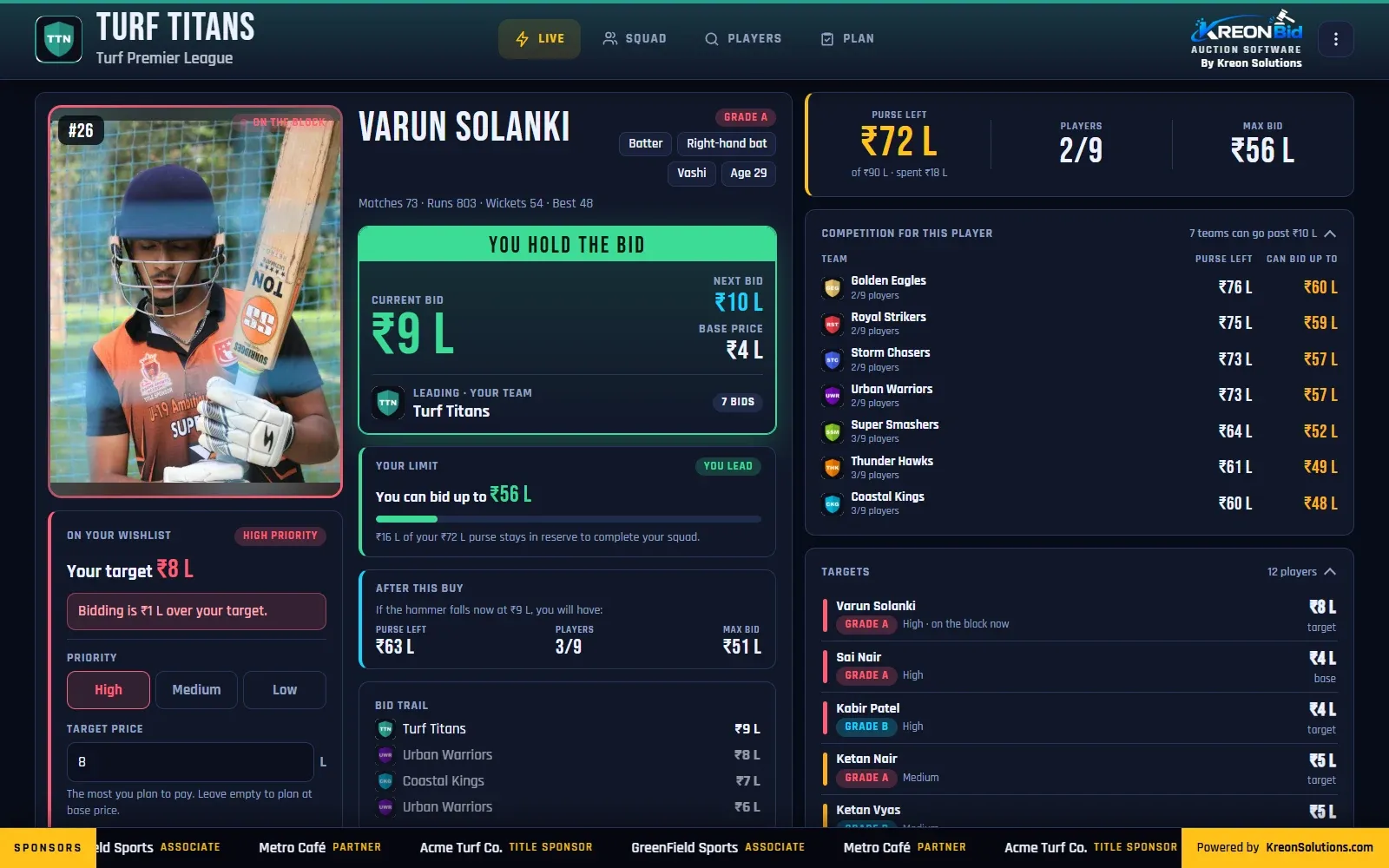
Each owner’s phone or laptop shows the purse left, how high the team can go for the player on the block, and what every rival can still afford. Nothing to install.
- Max bid worked out after keeping enough to finish the squad
- A shared wishlist with priorities and target prices
- “If the hammer falls now” shows the purse and limit afterwards
No team can overspend.
Purse protection keeps back enough to fill the squad at base prices. Squad sizes and set quotas cannot be broken, even by mistake.
How the rules workDone when the hammer falls.
Squad sheets, full results and the audit log as PDF, everything as Excel, and a poster for every team to share.
Results and postersBuilt for cricket. Ready for any league.
The rules are about purses, squads and sets, not about the sport. Name your sets by grade, position or category, and the auction runs the same way.
 01
Cricket
Cricket auction software
Explore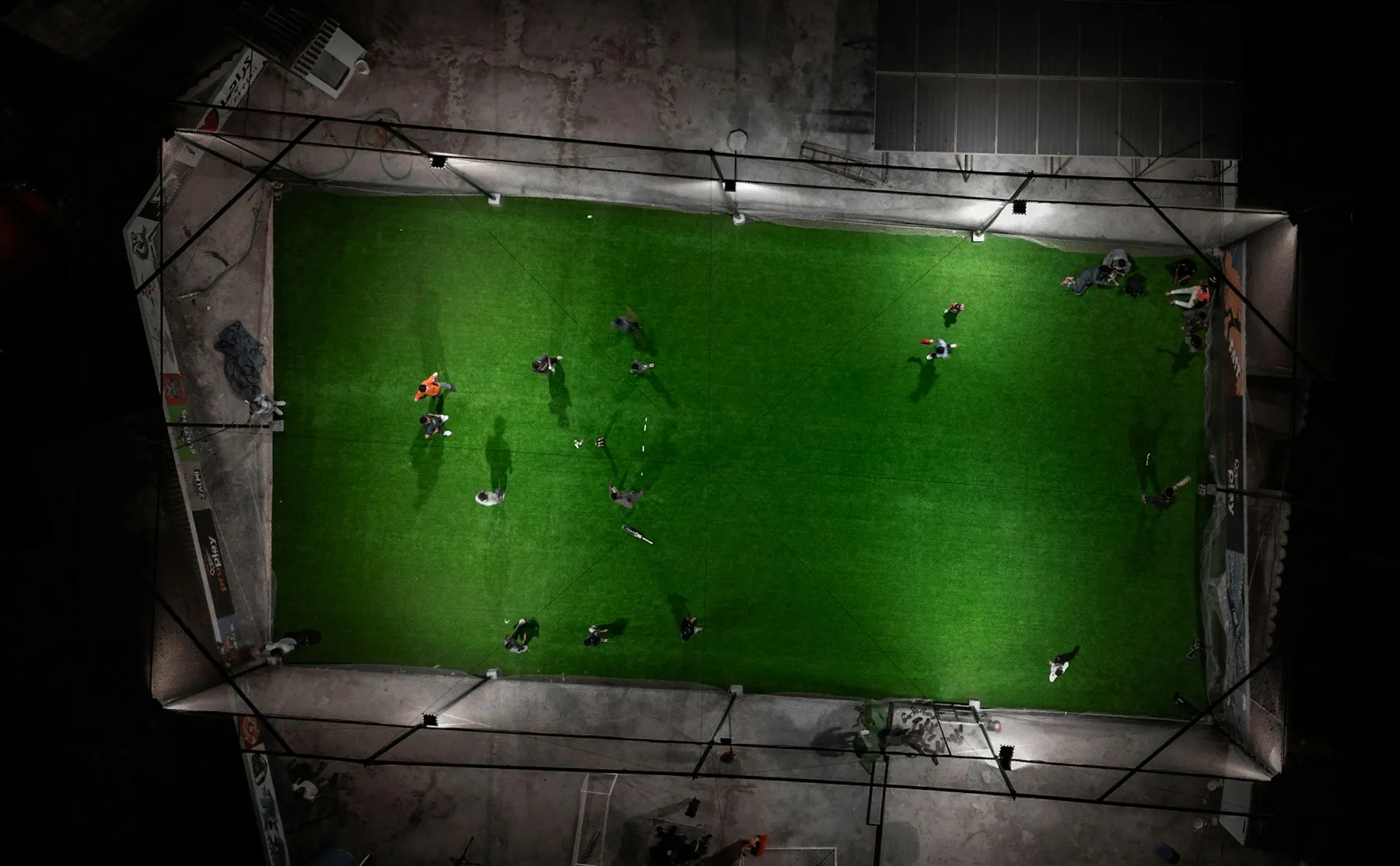 02
Football
Football auction software
Explore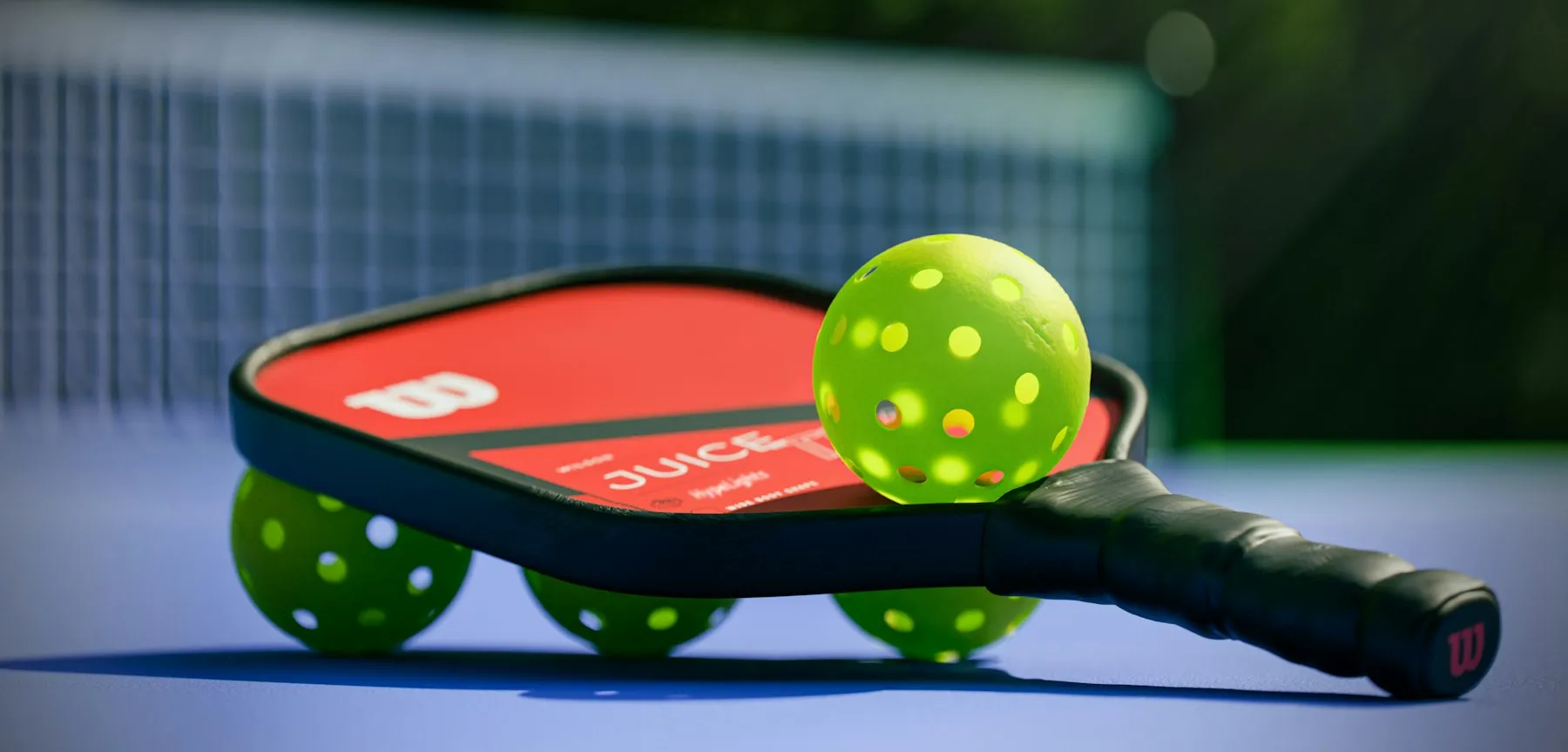 03
Pickleball
Pickleball auction software
Explore 04
Padel
Padel auction software
Explore 05
Kabaddi
Kabaddi auction software
Explore 06
Badminton
Badminton auction software
Explore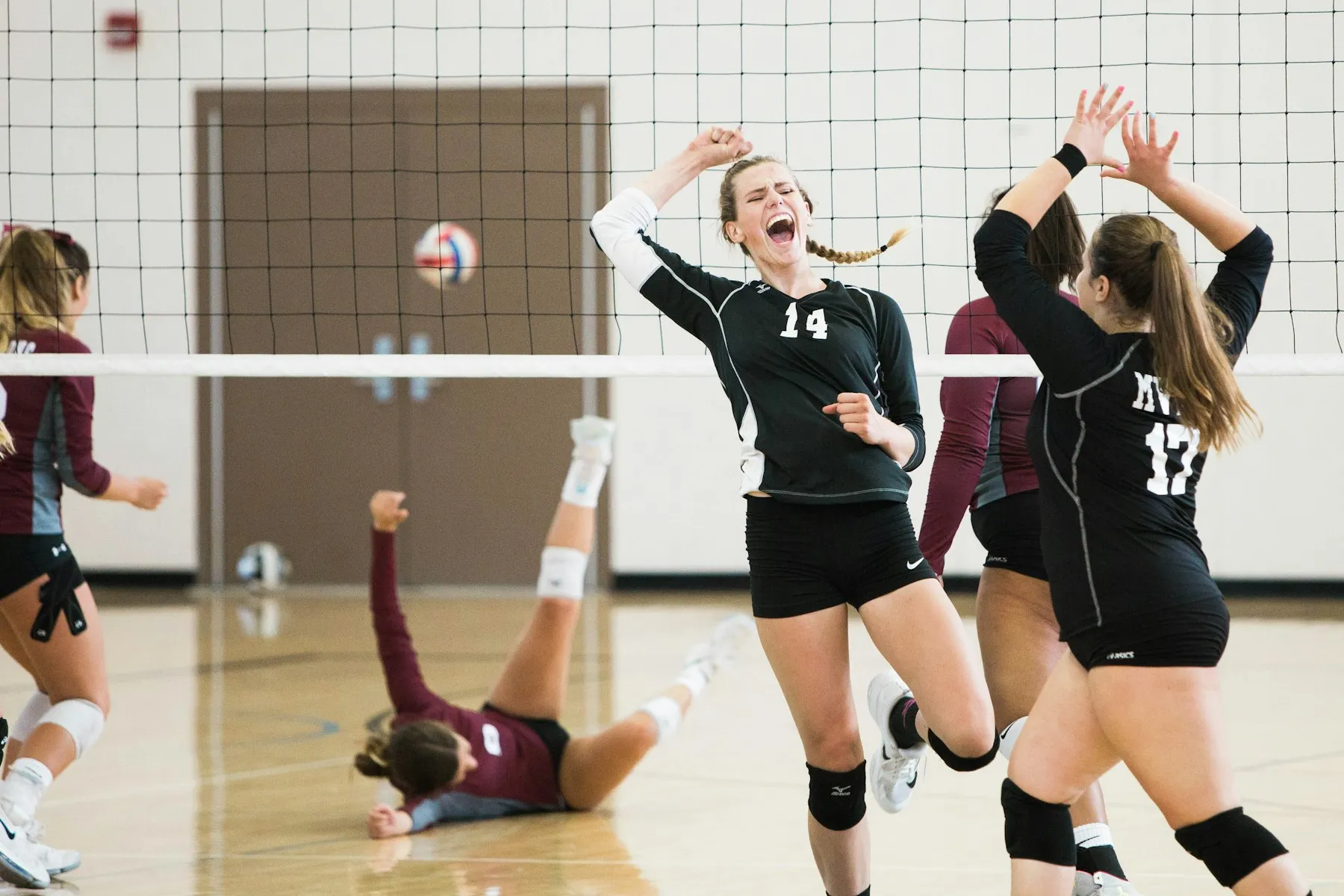 07
Volleyball
Volleyball auction software
Explore +Another sport?
Basketball, Hockey, Kho kho, Table tennis, Tennis, Throwball, Carrom and chess leagues, Esports. If teams bid for players, KreonBid can run it.
Ask usOne hall, one internet line, a crowd of phones.
Works on venue internet
Live updates are compressed about five times, and phones get a trimmed copy of the data. Data saver can be switched on for every phone at once.
The LED survives a drop
Before the auction the LED downloads every photo and logo and keeps them offline, so a short internet drop does not break the big screen.
Players’ details stay private
Mobile numbers never reach the LED, the public view or other teams. An owner can download contacts for their own squad only.
Every action on record
An audit log records every bid, sale, correction and purse adjustment, with the time and who did it.
KreonBid questions, answered.
What is KreonBid?
KreonBid is live player-auction software by Kreon Solutions for sports leagues. It runs the big LED screen in the hall, the operator’s console, a screen for every team owner on their phone and a public live view, and it enforces the purse, squad and set rules automatically.
Which sports can KreonBid be used for?
KreonBid was built for turf-cricket leagues, and its rules are not tied to a sport. Purse, squad size, sets with quotas and bid increments work the same for cricket, football, futsal, pickleball, padel, kabaddi, badminton, volleyball and other team leagues.
Do team owners or the audience need to install an app?
No. Every KreonBid screen runs in a web browser. Owners sign in with a mobile number and PIN or a QR code, and the public view needs no sign-in.
What equipment does an auction need?
A laptop for the operator, a laptop connected to the LED wall, projector or TV, and an internet connection. Owners and the audience use their own phones.
What happens if the venue internet is slow?
KreonBid is designed for it. Live updates are compressed about five times, phones receive a trimmed copy of the data, a data saver can be switched on for every phone at once, and the LED keeps an offline cache of every photo and logo.
Can we rehearse before the real auction?
Yes. Run a full mock auction, then use Rehearsal reset to clear every sale while keeping teams, owners, players and settings.
Can one league run several auctions?
Yes. One KreonBid server runs any number of auctions, each with its own teams, players, rules, branding and results. An auction can be copied for a new season or a second category, such as a women’s league.
How do we get KreonBid for our league?
Contact Kreon for a demo. We will show you a full auction running on every screen and talk through what your league needs.
See a full auction running, before yours.
We will run a demo auction on the LED screen, the console and your phone, and talk through your league’s rules.