
Book a demo

The LED auction screen

The screen the whole hall watches. It reveals each player, follows every bid in the leading team’s colours, and stamps SOLD with confetti and sound. Built for a 1920×1080 wall, or 4:3, and scaled to fit any screen.

Screens from a demo auction on KreonBid
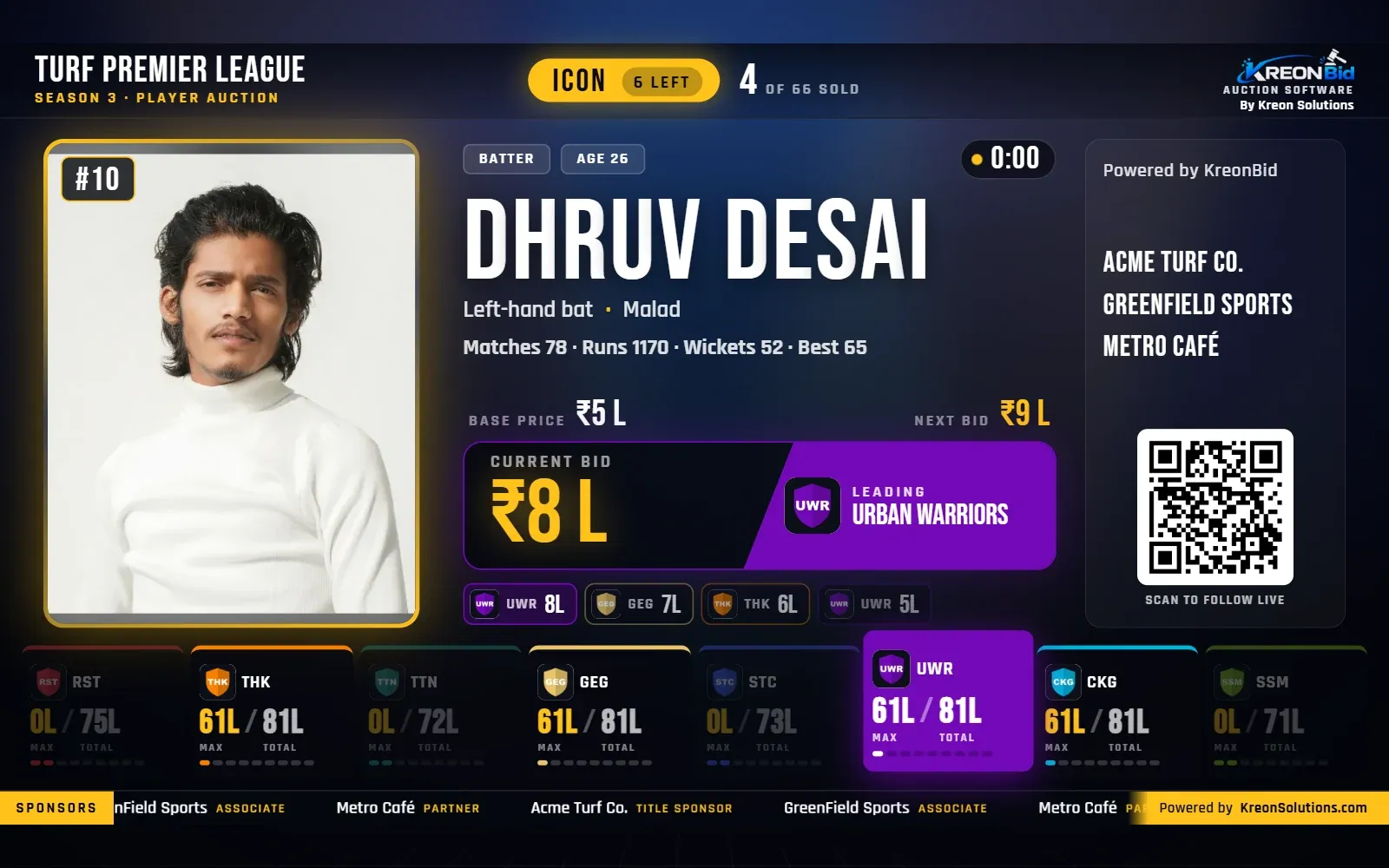
KreonBid LED screen with a player on the block, base price, timer and each team’s max bid and purse
LED: a player on the block. The strip shows each team’s max bid and purse; a team that cannot bid is dimmed.
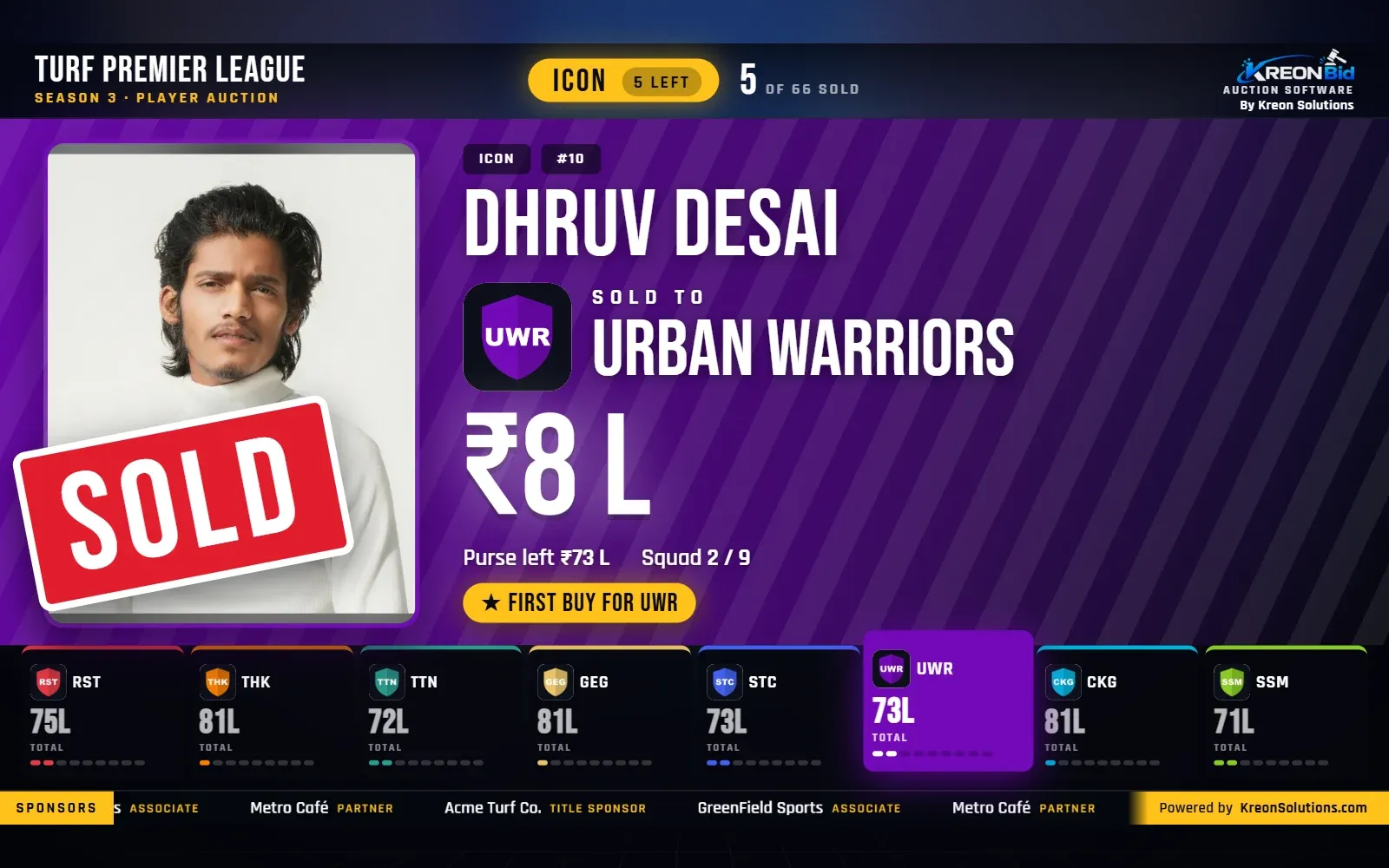
KreonBid LED screen showing a SOLD stamp, the winning team, the price and its purse left
LED: SOLD, in the winning team’s colours, with its purse and squad after the buy.
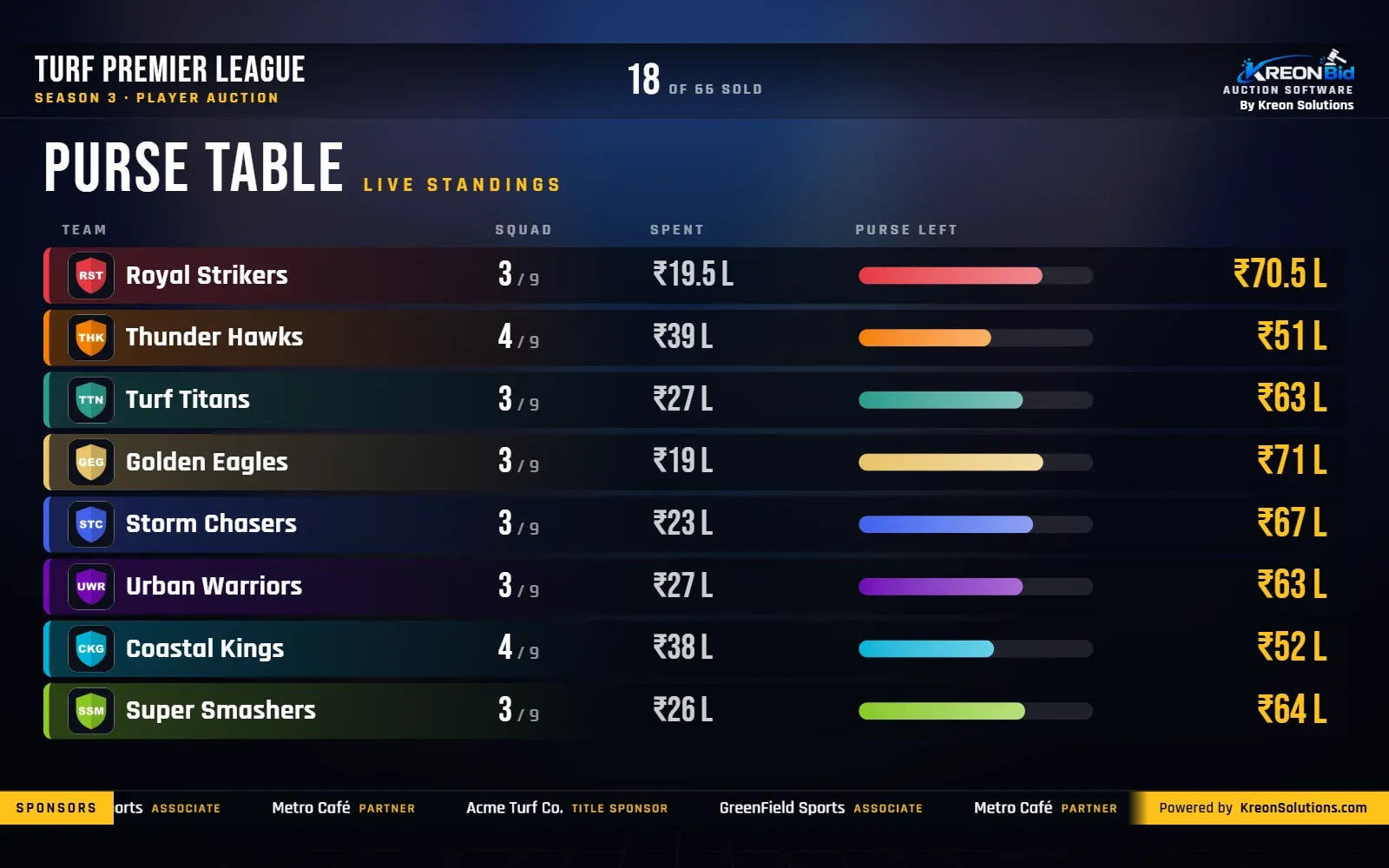
KreonBid LED purse table with squad size, amount spent and purse left for every team
LED: the purse table, live.
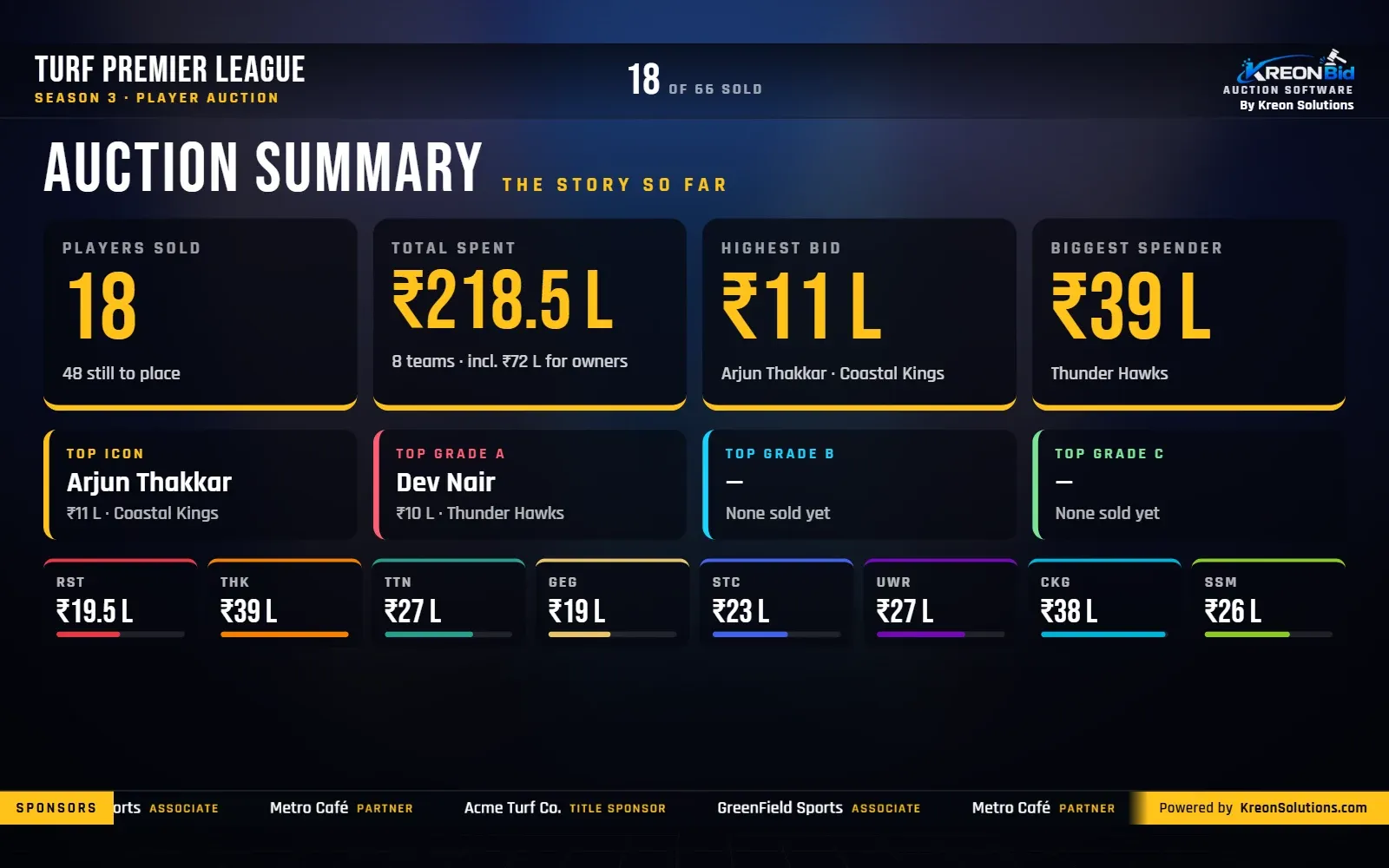
KreonBid LED auction summary with players sold, total spent, highest bid and top buy per set
LED: the auction summary, with the top buy in every set.
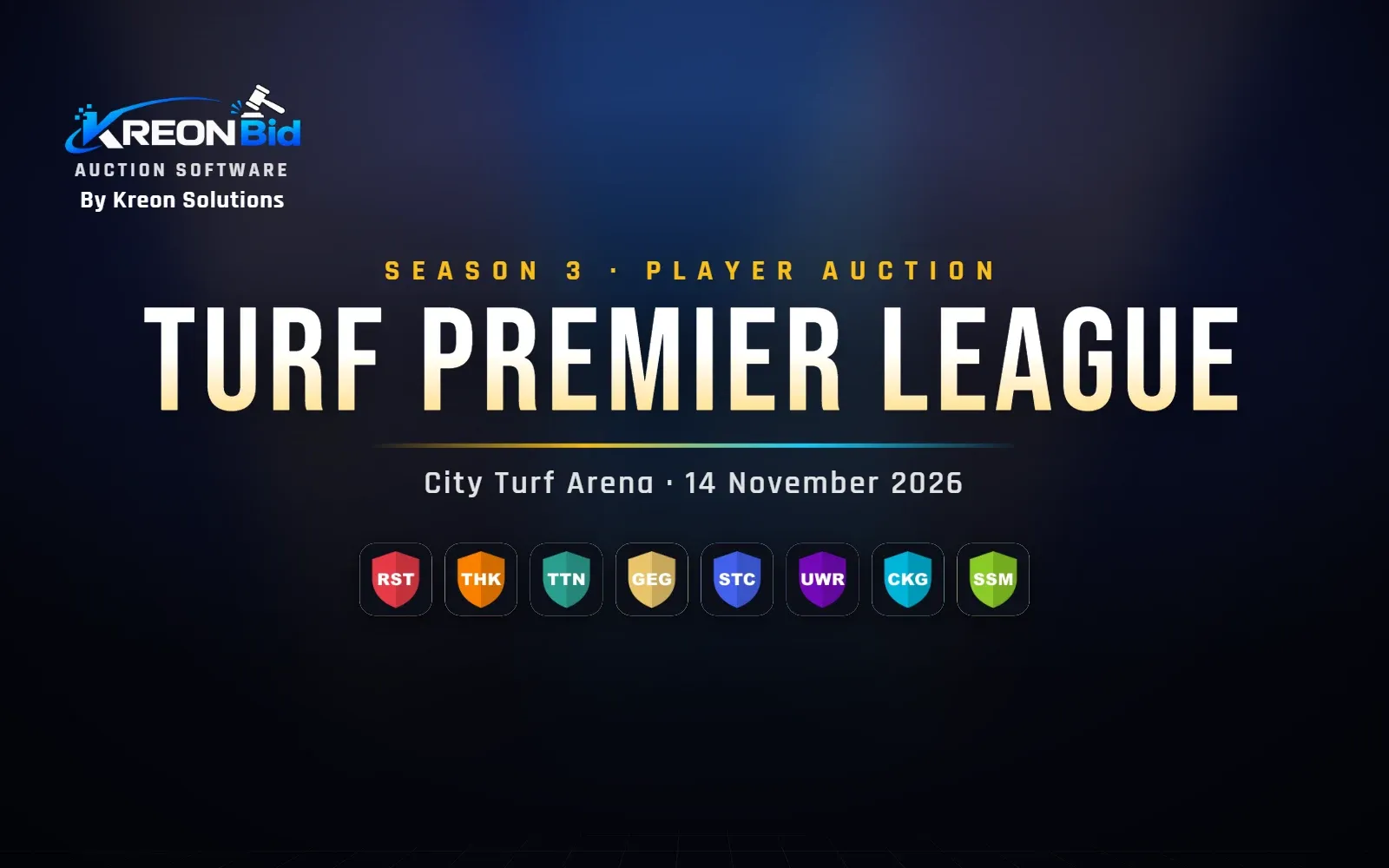
KreonBid LED welcome scene with the league name, venue, date and team logos
LED: the welcome scene, with the league’s branding and team logos.
01

The player on the block

  • A draw sequence: a set card, a shuffle of faces, then the reveal
  • A spotlight entrance for Icon and Marquee players
  • Photo shown whole in an upright frame, so no face is cut off
  • Name, age, role, game profile and notes
  • Time on the block, which survives a page reload
  • “Back from unsold” tag in the unsold round
02

The bidding

  • Base price and next bid beside the current bid
  • Current bid in the leading team’s colours, with its logo
  • A bid ladder of the latest bids
  • Live bid can be hidden, so the hall sees only the final price
  • A bid timer that beeps in the last 5 seconds
03

SOLD and UNSOLD

  • SOLD stamp, winning team, price, confetti and a gavel
  • Talking points such as “Highest bid of the auction” or “Squad complete”
  • UNSOLD stamp for players nobody bids on
  • Sounds for the draw, each bid, the sale and the timer; M mutes
04

Every team at a glance

  • A team strip with MAX (most it can bid for this player) and TOTAL (purse left)
  • Squad dots showing how full each team is
  • The leading team raised; teams that cannot bid dimmed
05

Other scenes

  • Welcome, purse table, all squads, one team’s squad
  • Top buys, upcoming players, sponsors, summary
  • Break countdown with a “resumes at” time, and technical pause
  • Any of them as an overlay beside the live player while bidding continues
06

Sponsors and branding

  • A sponsor ticker along the bottom, with tiers
  • A scrolling sponsor rail and a QR code to the public live view
  • Your auction’s logo, colours and background image
07

Built for venue internet

  • Sync LED downloads every photo and logo before the auction
  • An offline cache, so a short internet drop does not break the screen
  • It shows “Reconnecting…” and keeps the last state if the connection drops
  • A guided tour (press T) that explains everything on the screen
FAQ

Questions, answered.

What screen do I need for KreonBid’s LED display?

Any LED wall, projector or TV connected to a laptop with a browser. The KreonBid LED screen is designed for 1920×1080 and also has a 4:3 layout; it scales to fit other sizes.

Does the LED screen work if the venue internet drops?

For short drops, yes. After “Sync LED”, the screen keeps the app and every photo and logo in an offline cache and remembers the last state it saw, so a brief disconnection or a reload does not break it.

Can we hide the live bid and show only the final price?

Yes. The operator can switch “Show live bid on LED” off, and the hall then sees only the sold price.

Can sponsors be shown on the auction screen?

Yes. KreonBid shows sponsors in a ticker along the bottom with their tiers, in a scrolling side rail, and on a dedicated sponsor scene.

Book a demo

See a full auction running, before yours.

We will run a demo auction on the LED screen, the console and your phone, and talk through your league’s rules.